Excel Mastery System™
Stop Scrolling! Learn Excel in Bite-Sized Lessons That Actually Work
❌ The Old Way
Endless hours watching boring, useless videos that don't apply to your work
✅ The New Way
Spend 5-10 minutes a day anywhere and learn things you actually need in 2025
Excel is easier than you think
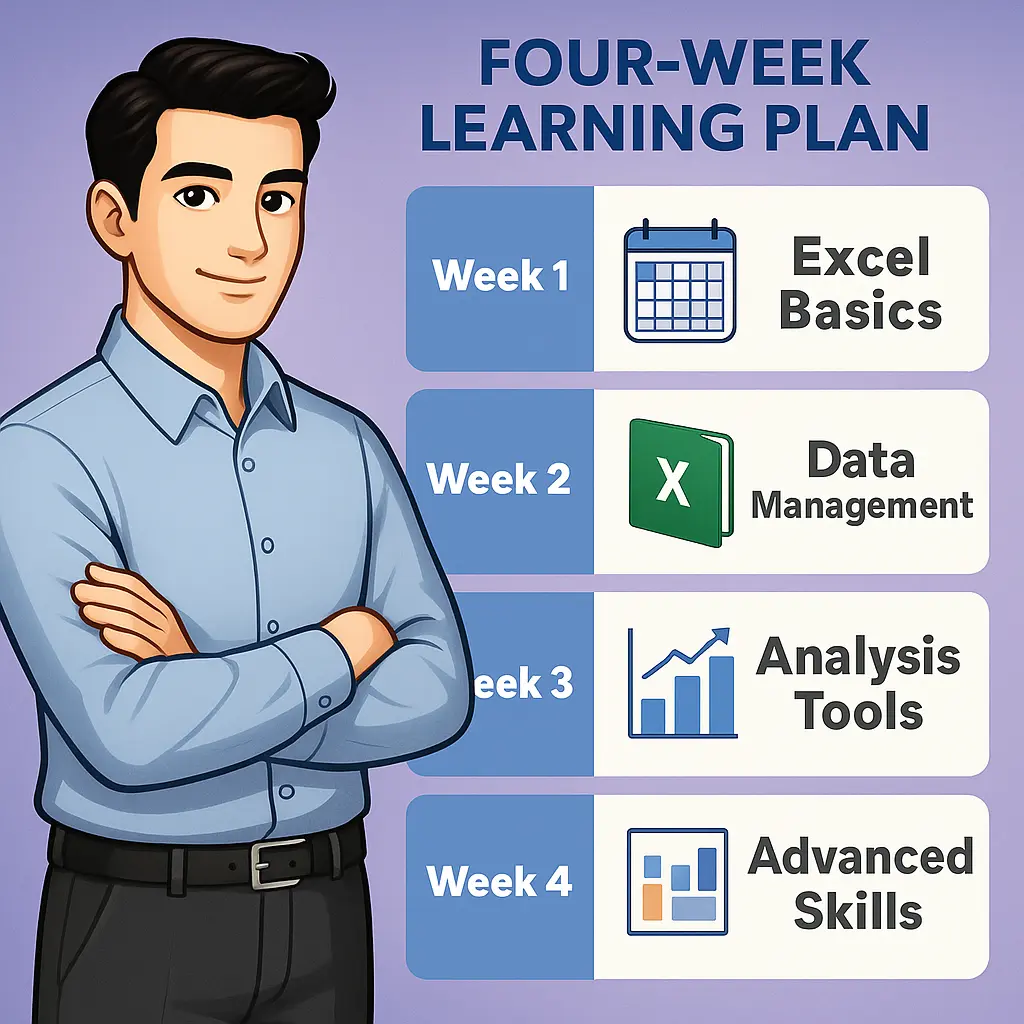
Try ExcelSkillsLab and you will:
Get Complete Excel Mastery For Just
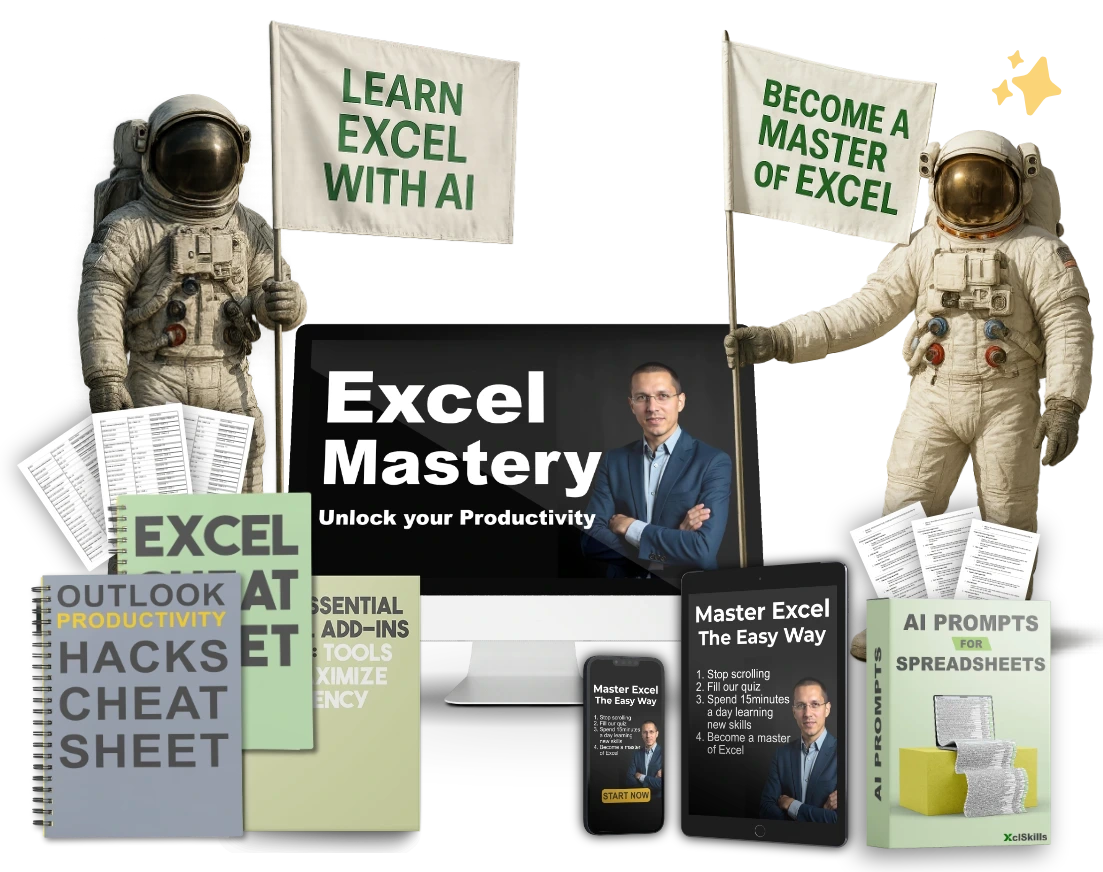
Your Complete Package Includes:
⬇️ Lessons included in this course ⬇️
Lesson 2 Navigating the Excel Interface
5 minutesLesson 3 Creating and Saving Workbooks
4 minutesLesson 4 Understanding Worksheets
4 minutesLesson 5 Entering and Editing Data
6 minutesLesson 6 Basic Formatting Techniques
5 minutesLesson 7 Using the Ribbon and Toolbar
5 minutesLesson 8 Excel Keyboard Shortcuts
7 minutesLesson 9 Basic Math Operations in Excel
9 minutesLesson 10 Working with Cells, Rows, and Columns
8 minutes
- Lesson 11 Introduction to Formulas (3 minutes)
- Lesson 12 Using the SUM Function (3 minutes)
- Lesson 13 Working with AVERAGE and MEDIAN (4 minutes)
- Lesson 14 Understanding the MIN and MAX Functions (4 minutes)
- Lesson 15 Using COUNT and COUNTA (4 minutes)
- Lesson 16 Basic IF Statements (5 minutes)
- Lesson 17 Nested IF Statements (4 minutes)
- Lesson 18 Working with AND, OR, and NOT Functions (4 minutes)
- Lesson 19 Introduction to VLOOKUP (4 minutes)
- Lesson 20 Using HLOOKUP for Horizontal Data (7 minutes)
- Lesson 21 Sorting Data (3 minutes)
- Lesson 22 Filtering Data (5 minutes)
- Lesson 23 Using Advanced Filter Options (6 minutes)
- Lesson 24 Data Validation Techniques (7 minutes)
- Lesson 25 Removing Duplicates (5 minutes)
- Lesson 26 Grouping and Ungrouping Data (3 minutes)
- Lesson 27 Using Text to Columns (6 minutes)
- Lesson 28 Merging cells (4 minutes)
- Lesson 29 Working with Named Ranges (4 minutes)
- Lesson 30 Creating and Managing Tables (5 minutes)
- Lesson 31 Introduction to Pivot Tables (4 minutes)
- Lesson 32 Creating Pivot Tables (3 minutes)
- Lesson 33 Using Pivot Table Filters (5 minutes)
- Lesson 34 Pivot Table Calculated Fields (4 minutes)
- Lesson 35 Introduction to Pivot Charts (7 minutes)
- Lesson 36 Slicers and Timelines in Pivot Tables (6 minutes)
- Lesson 37 Using the Quick Analysis Tool (6 minutes)
- Lesson 38 Basic Data Analysis Techniques (6 minutes)
- Lesson 39 Introduction to Data Models (6 minutes)
- Lesson 40 Creating Basic Charts (6 minutes)
- Lesson 41 Customizing Chart Elements (7 minutes)
- Lesson 42 Working with Pie Charts (6 minutes)
- Lesson 43 Line and Area Charts (7 minutes)
- Lesson 44 Scatter Plots and Bubble Charts (8 minutes)
- Lesson 45 Using Combo Charts (6 minutes)
- Lesson 46 Chart Templates and Formatting (8 minutes)
- Lesson 47 Sparklines and Data Bars (7 minutes)
- Course Wrap Up (3 minutes)
- Lesson 1 Introduction Learn Excel with AI
- Lesson 2 Differences and synergy between Copilot and ChatGPT
- Lesson 3 Tools and Setup
- Lesson 4 Enabling and Accessing Copilot in Excel
- Lesson 5 What Copilot Can and Can’t do
- Lesson 6 First Use Natural Language Queries with Copilot
- Lesson 7 When to Use ChatGPT versus Copilot in Excel
- Lesson 8 Prompting ChatGPT to Generate Formulas, Macros, and Pivot Tables
- Lesson 9 Creating Formulas for Rolling Averages Over 7 Days
4 Free Bonuses
Only available if you sign up today.
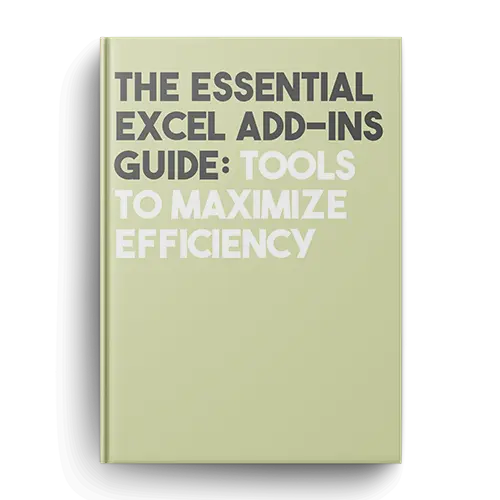
+ FREE Bonus #1 The Essential Excel Add-ins Guide: Tools to Maximize Efficiency
Once you’ve mastered the basics of Excel…
It’s time to supercharge your skills.
Explore my comprehensive guide to 27 essential Excel add-ins…
To automate tasks, enhance data analysis, and improve productivity…
And unlock the true potential of Excel!
Value: $79
+ FREE Bonus #2 AI Prompts for Spreadsheets

Refined through 2 years of testing thousands of prompts, these professional-grade prompts are the most valuable everyone should know.
Automate and supercharge your Excel workflows with AI.
Transform hours of work into minutes.
Value: $49
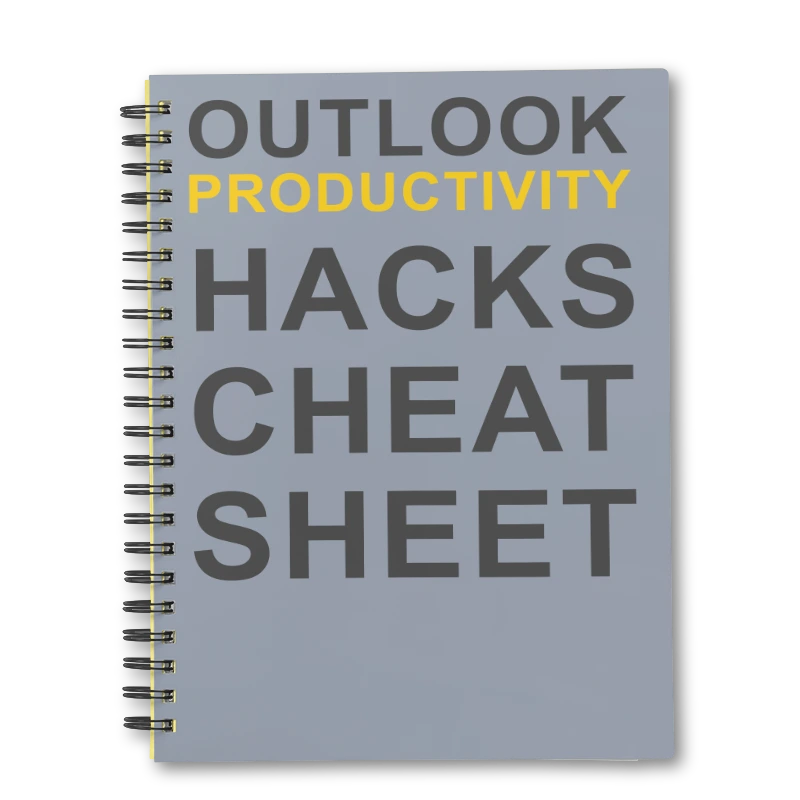
+ FREE Bonus #3 Outlook Productivity Hacks Cheat Sheet
Look, we both know Outlook can be a productivity black hole.
But what if I told you there’s a way to get back control of your inbox
Packed with little-known techniques you won’t find elsewhere, this resource is a true productivity booster
This is insider knowledge you can’t easily find, giving you an unfair advantage.
Value: $69
+ FREE Bonus #4 Essential Excel Cheat Sheet
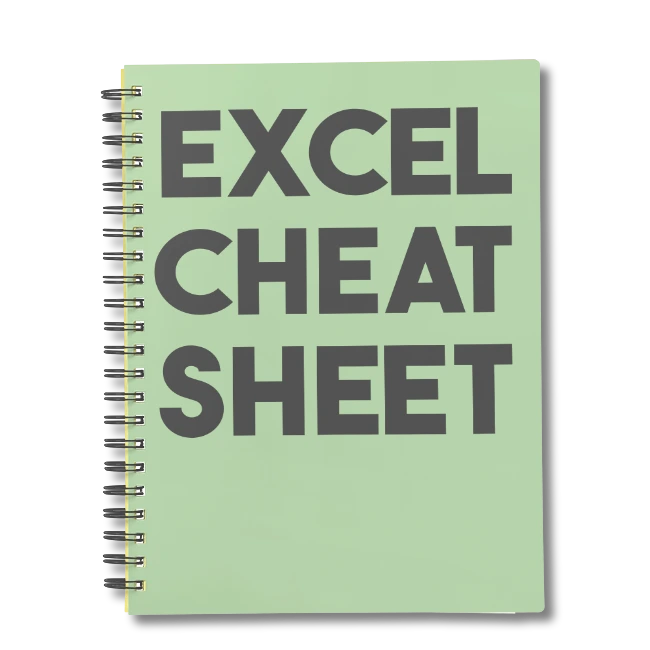
Here’s something I see all the time…
Excel users missing out on valuable time-saving functions and shortcuts.
Even experienced users can overlook these hidden gems…
And end up spending hours on tasks that could be done in minutes.
I’ll show you the must-know Excel formulas, shortcuts, and tips…
So you can work faster and smarter, avoiding common mistakes!
Value: $49
Total bonus value:
$196
FREE if you sign up today
Excel Skills that Get Real Results
Master the exact Excel skills top companies are desperately looking for – no fluff, just practical knowledge that gets you hired and promoted.
Here's what makes our Excel training different:
- ✓ Industry-Driven Content: Curriculum built from analyzing 500+ real job requirements
- ✓ Practical Over Theory: Focus on high-impact skills that immediately boost your productivity
- ✓ Career-Advancing Skills: Learn techniques that make you the go-to Excel expert on your team
- ✓ Real-World Applications: Practice with actual business scenarios, not theoretical examples
Join thousands of professionals who've transformed their careers through our practical Excel training. Learn exactly what you need to succeed in today's data-driven workplace.
What Others Are Saying
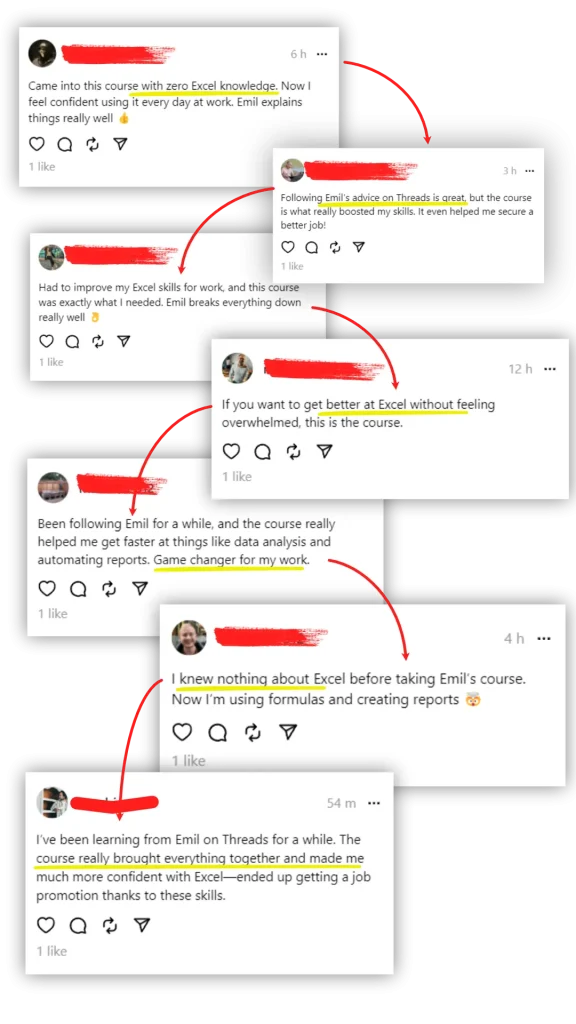
I’ve built a community of over 15,700 followers on Threads, where I share practical Excel tips and advice. Many of them have found my course useful for improving their skills.
If you’re interested in learning how to use Excel more efficiently, check out what others are saying and see if the course might be a good fit for you too.